
About
Good TV at home should not need a technician
kemo iptv exists to make live TV, sport and films easy to watch on the devices people already own, with clear prices and real help from the first message to the last day of a plan.
What we do
An IPTV service built around the conversation
Most people who come to us are tired of long contracts, set-top box rentals and installer appointments. They already own a Smart TV, a streaming stick or a phone, and they want to use it.
So kemo iptv works the way people already communicate: you message us, we confirm a plan and a price, and we send your login with instructions written for your exact device. The same chat stays open for as long as you are a customer.
We serve viewers across the United States, the United Kingdom and Canada, in English, and we keep our pages honest about what IPTV needs to work well: a steady connection, a compatible device and the right expectations.
How we work
Six working principles
These shape every page on this site and every reply in our chats.
-
The price is the price
Four plan lengths, each with one price shown on the site. If anything costs extra, you hear about it before you pay, not after.
-
One conversation, start to finish
Ordering, setup and support happen in the same chat, so you never have to explain your setup twice.
-
Instructions for your device
A Samsung TV and a Fire TV Stick are set up differently. We send the steps for the one you actually have.
-
Honest answers about line-ups
If a channel you want is not available, we say so before you order. Line-ups change, and we would rather lose a sale than disappoint you.
-
Your data stays yours
We collect only what we need to deliver and support your plan, and we never ask for passwords to your other accounts.
-
No pressure to go long
Longer plans cost less per month, but we will happily start you on one month if that is what makes sense.
Support
What happens when you ask for help
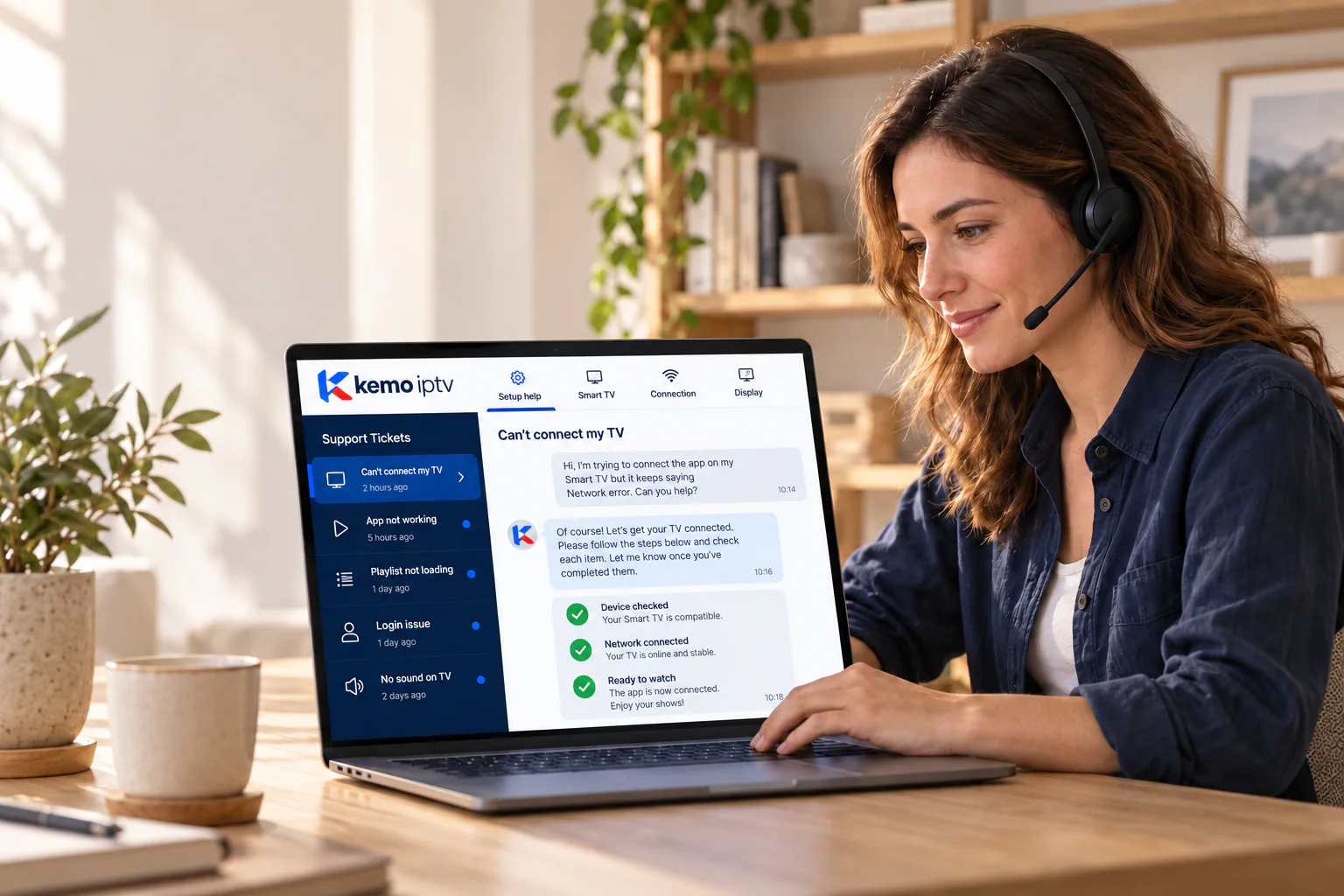
Support is part of every plan, not an extra. This is how a typical request is handled.
-
Step 1
You describe the problem
Your device, your player app and what you see. A photo of the screen is often enough.
-
Step 2
We check the usual suspects
Login details, the app settings and your connection, the causes behind most problems.
-
Step 3
We send clear steps
One step at a time, in plain English, with screenshots where they help.
-
Step 4
We confirm it is fixed
If it is not, we keep going or explain the options, including our refund policy.
Want to see if it works for you?
Ask for a free trial on your own TV, or start with the 1-month plan.