
Free trial
Try kemo iptv on your own TV before you pay
Ask for a free trial and test live channels, sport and on-demand titles on the device and connection you will actually use. We confirm the trial length in the chat.
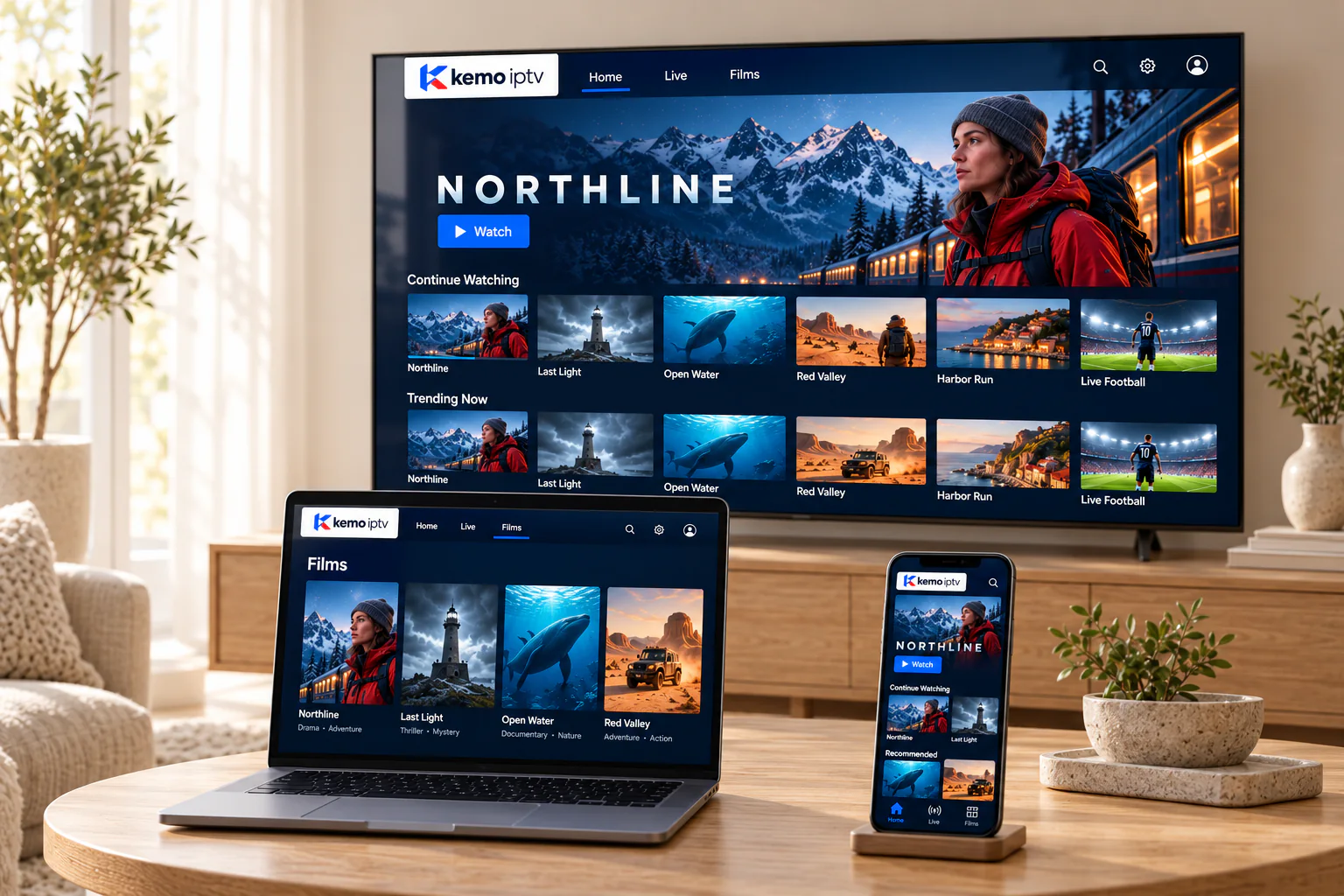
How it works
Four steps, no card details
A trial is set up in the same chat as a normal order, so you also get to see how our support works.
-
Step 1
Ask for a trial
Tell us your device and player app if you have one. If not, we will recommend one.
-
Step 2
Receive trial login details
We send them with setup steps for your device, and confirm when the trial ends.
-
Step 3
Test it properly
Use the checklist below: the channels you care about, at the times you usually watch.
-
Step 4
Decide, with no obligation
Pick a plan if you are happy. If not, simply let the trial end; there is nothing to cancel.
Make it count
Six things to test during your trial
A trial is short, so test what matters most to you first.
-
Watch at your usual time
Evenings and weekends are when home networks are busiest. A trial at 9 pm tells you more than one at 10 am.
-
Use the screen you will really use
Test on the living-room TV, not just your phone, if that is where you will watch.
-
Check your must-have channels
Go straight to the news, sport or international channels that made you look for IPTV in the first place.
-
Watch something live
A live match or news broadcast shows how smooth the stream is under real conditions.
-
Play an on-demand title
Start a film, skip ahead and pause, to see how the library behaves in your app.
-
Compare Wi-Fi with a cable
If anything buffers, try an Ethernet cable or move closer to the router before judging the service.
Trial or 1-month plan?
Two low-commitment ways to start
| Free trial | 1-month plan | |
|---|---|---|
| Cost | Free | $17 |
| Length | Confirmed in chat | 1 month |
| Best for | Checking your device, connection and key channels | Living with the service for a few weeks before a longer plan |
| Setup help | Included | Included |
| Payment details needed | No | Yes, confirmed in chat |
Free trial questions
No. A trial is set up in the chat without any payment details.
It uses the same service, so you see real channels and the on-demand library on your own device. We will tell you about any limits of the trial when we set it up.
Trials are one per household. If the first one was cut short by a setup problem, tell us and we will look at it fairly.
It simply stops working. Nothing renews and nothing is charged. If you want to continue, message us to choose a plan.
Ready to test it on your TV?
Send one message with your device. We will reply with the trial details and setup steps.