
Apple TV, iPhone and iPad
kemo iptv on Apple TV and your iPhone
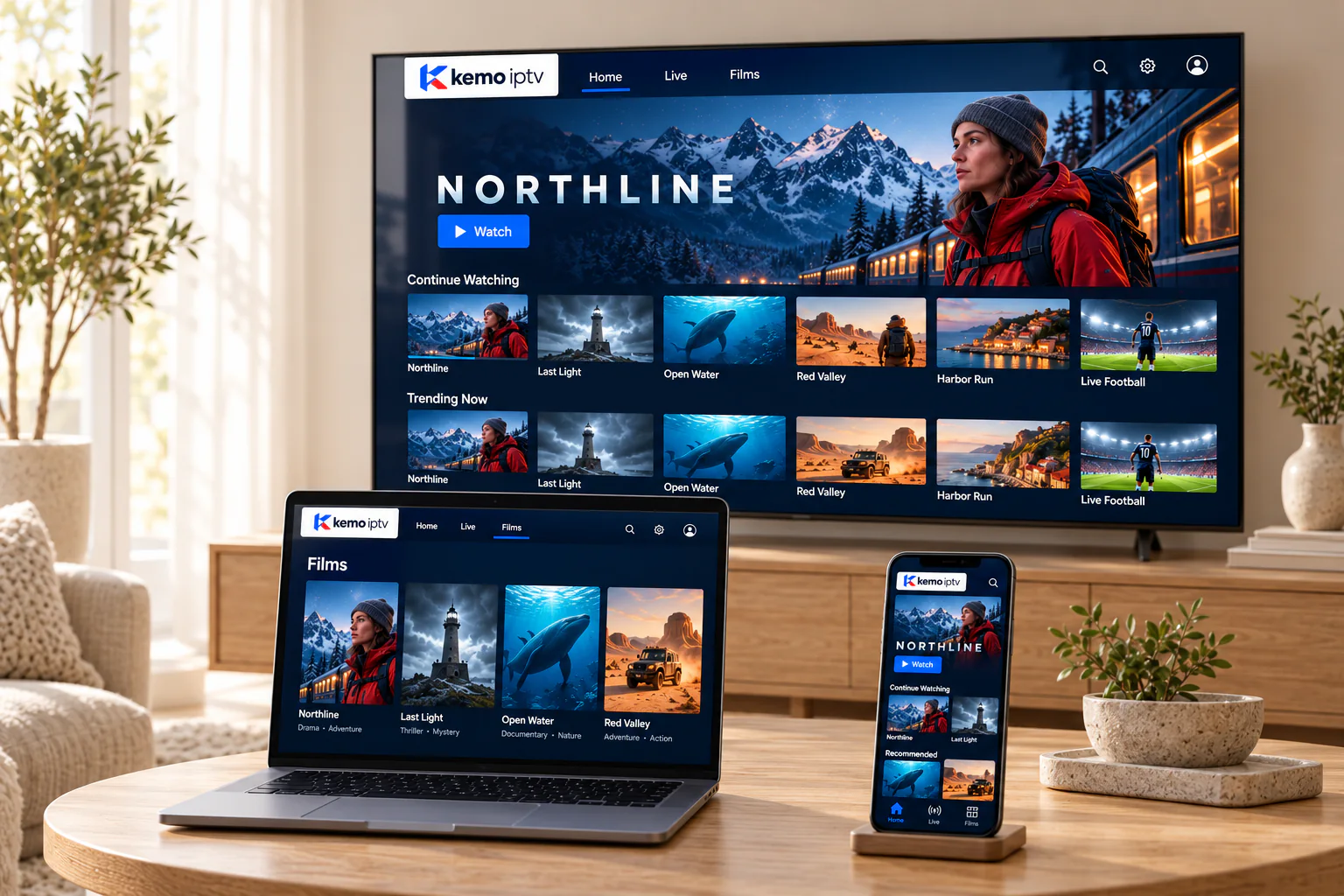
Apple TV 4K is one of the smoothest ways to watch live TV over the internet. Install a compatible player from the App Store, sign in with your iPhone keyboard, and adjust two settings for a cleaner picture.
Setup
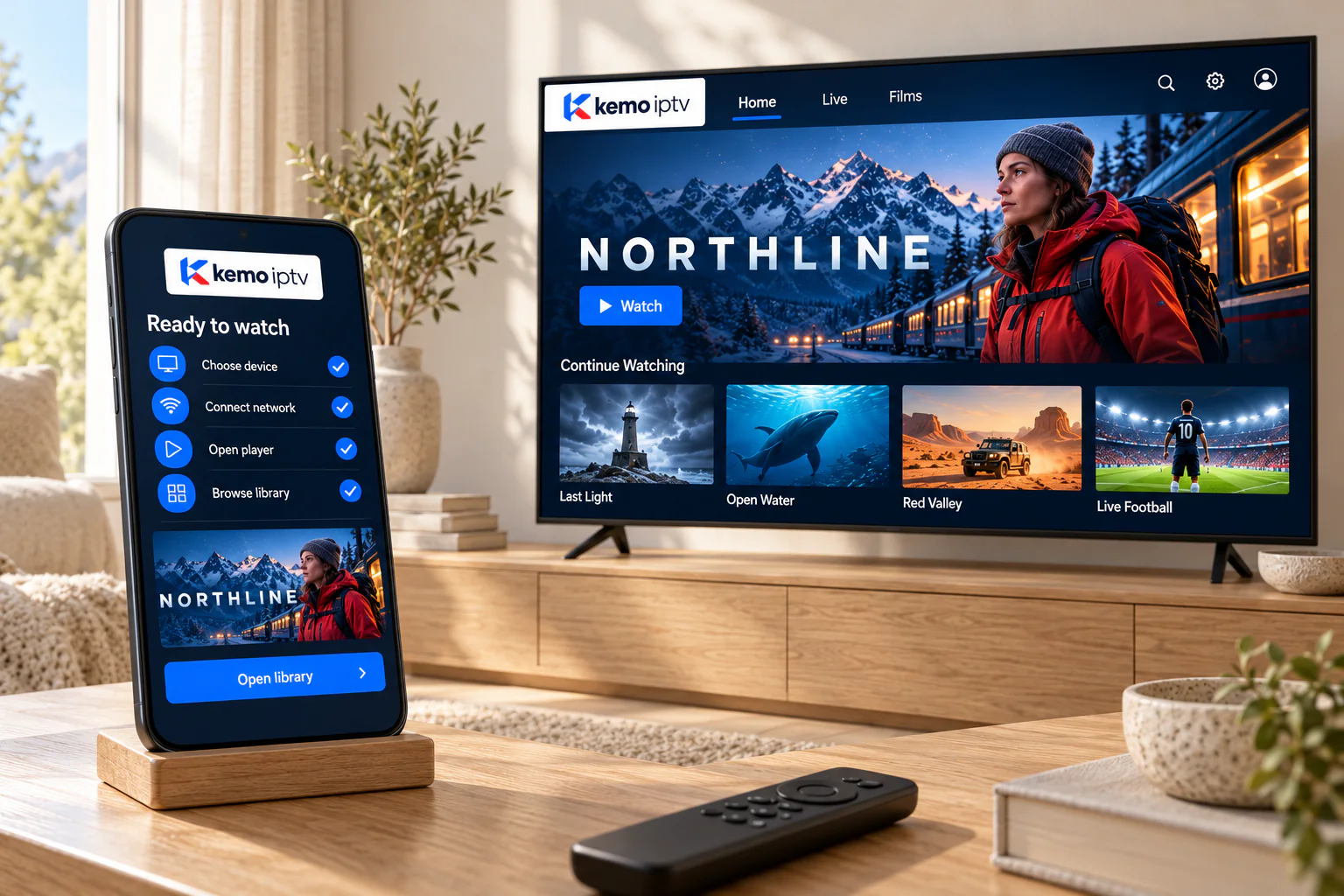
Set up on Apple TV in four steps
-
Open the App Store
On Apple TV, iPhone or iPad, open the App Store and search for the player we recommended.
-
Select Get
Install it, then open it from the home screen.
-
Sign in the easy way
When a text field appears on Apple TV, your iPhone offers a keyboard notification. Type or paste there.
-
Pin it to the top row
Move the player to the top row of the home screen for one-click access.
Settings
Apple TV settings for live TV
Live channels come in different frame rates around the world. These settings help Apple TV follow them.
-
Turn on Match Content
In Settings, Video and Audio, Match Content, switch on Match Dynamic Range and Match Frame Rate. Sport from Europe and the UK looks noticeably smoother.
-
Use Ethernet if your model has it
Apple TV 4K models with an Ethernet port are rock-steady on a cable.
-
Keep tvOS and apps updated
Turn on automatic updates so the player gets fixes as soon as they are released.
-
AirPlay is a backup, not the main route
You can AirPlay from an iPhone, but a player installed on Apple TV is smoother and frees up your phone.
Apple fixes
If something is not right on Apple devices
-
If this happens
The app is not in my App Store
Try this first
App availability varies by country. Tell us your country and device and we will suggest an available player.
-
If this happens
Motion looks jerky on sport
Try this first
Turn on Match Frame Rate in the Apple TV video settings, then replay the channel.
-
If this happens
AirPlay keeps dropping
Try this first
Keep the iPhone and Apple TV on the same Wi-Fi band, or install the player directly on Apple TV.
Apple questions
An Apple TV 4K is ideal. Older Apple TV HD models can work if a compatible player is available for them; send us your model to check.
Yes, wherever you have a stable connection. Watching on mobile data uses your allowance quickly, so Wi-Fi is better.
No. Your kemo iptv plan is paid to us. Some player apps sell optional upgrades through the App Store; those go to the app developer.
Yes, with a desktop player. See compatible devices for computers.
Watch on Apple TV this evening
Choose a plan, or ask for a trial to see how smooth it is on your setup.