
Compatible devices
Will kemo iptv work on my device?
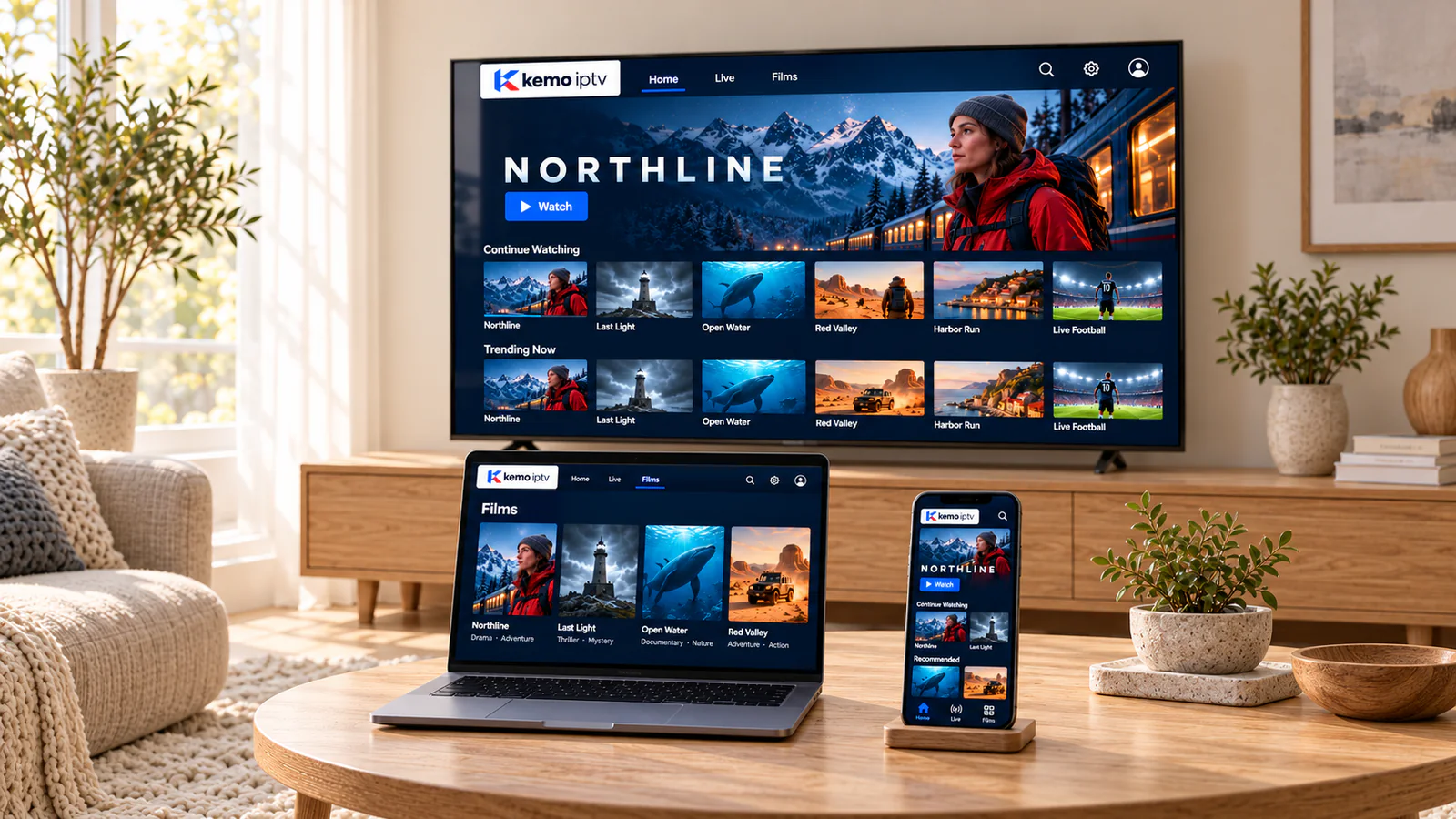
If your device can install a compatible IPTV player app, it can almost certainly play kemo iptv. Here is the honest picture for every common TV, stick, phone and computer, including the few we do not recommend.
Device by device
Compatibility at a glance
App availability changes over time and can differ by model year and country. If your exact model is not listed, send it to us before ordering.
| Device | Status | How it works | Good to know |
|---|---|---|---|
| Samsung Smart TV | Works | Player app from the Samsung app store | Choice of apps varies by model year and region |
| LG Smart TV | Works | Player app from the LG Content Store | Older models may be easier with a streaming stick |
| Android TV and Google TV | Works | Player app from Google Play | The widest app choice of any Smart TV |
| Fire TV Stick and Fire TV Cube | Works | Player app from the Amazon Appstore | An affordable upgrade for any TV with HDMI |
| Android TV boxes | Works | Player app from Google Play | Choose a Google-certified box for updates and security |
| Apple TV 4K | Works | Player app from the App Store | Very smooth, especially on a wired connection |
| iPhone and iPad | Works | Player app from the App Store | Use Wi-Fi to save mobile data |
| Android phones and tablets | Works | Player app from Google Play | Handy as a second screen around the house |
| Windows PC and Mac | Works | Desktop player app | Connect to a TV with an HDMI cable if you like |
| TVs without smart features | With a stick | Add a Fire TV Stick or Google TV device via HDMI | Often the cheapest route to a great picture |
| Roku | Not recommended | Very few compatible player apps | Use a Fire TV Stick or Google TV device instead |
| Games consoles | Limited | Depends on the apps available | Ask us about your console before ordering |
Device and platform names are trademarks of their owners and are used only to describe compatibility. kemo iptv is not affiliated with or endorsed by them.
Setup guides
Step-by-step help for your device
-
Smart TVs
Samsung, LG and Android-based TVs: apps, settings and picture tips.
-
Fire TV Stick
Installing from the Appstore, storage tips and buffering fixes.
-
Android
Google TV, Android TV boxes, phones and tablets.
-
Apple TV, iPhone and iPad
App Store players, AirPlay and settings for a smooth picture.
-
Windows PC and Mac
Install a desktop IPTV player, sign in with your details and use full-screen mode. An HDMI cable turns a laptop into a TV source.
-
Not sure what you have?
Send us a photo of the TV label or the settings screen and we will tell you.
Buying a new device
What to look for in a streaming device
You do not need the most expensive model. These six things matter more than the badge on the box.
-
An official app store
Google Play, the Amazon Appstore or the App Store make installing and updating a player simple and safe.
-
Enough storage and memory
Large channel lists and guides need room. Devices with very little free storage tend to slow down or crash.
-
Ethernet or modern Wi-Fi
An Ethernet port, or at least 5 GHz Wi-Fi, keeps live streams steady.
-
4K and HDR only if your TV has them
A 4K stick will not improve a 1080p TV, so match the device to the screen.
-
Regular software updates
Certified devices from major brands keep receiving security and app updates for years.
-
A remote you like using
Voice search and a phone remote app make entering logins and finding channels far easier.
Device questions
Possibly. Send us the brand and model, or a photo of the label on the back, and we will check. If the TV cannot run a player, a streaming stick usually solves it.
For most homes, a recent Android TV or Google TV device, a Fire TV Stick 4K or an Apple TV 4K on a wired or 5 GHz connection. All three have good player apps and fast processors.
You can install the player on several devices. How many can play at the same time depends on your plan, so ask us before ordering if you need more than one.
No, so our device advice is independent. Buy from any retailer you trust, and keep the receipt in case the device itself has a fault.
Check your device in one message
Send the brand and model. We will tell you whether it works and which player to use, before you spend anything.