
United States
IPTV in the USA: what to know before you subscribe
Whether you are cutting the cord or adding channels from abroad for family at home, this guide covers what matters in American homes: data caps, time zones and the streaming devices that work best.
Why US viewers switch
What changes when you leave the cable box behind
-
No equipment to rent
kemo iptv runs in an app on a TV, stick or phone you already own, so there is no box to return when you leave.
-
Plans you pick the length of
Prepaid for 1, 3, 6 or 12 months, with no automatic renewal and no early-termination fee.
-
Home and abroad in one guide
National channels sit alongside international ones, which matters in households with family roots overseas.
Planning live events
One kickoff, four time zones
TV guides and announcements usually quote Eastern Time. Here is what an 8:00 p.m. ET start looks like across the lower 48.
A live game listed at 8:00 p.m. ET
- ET 8:00 p.m. Eastern: New York, Atlanta, Miami
- CT 7:00 p.m. Central: Chicago, Dallas, Houston
- MT 6:00 p.m. Mountain: Denver, Salt Lake City
- PT 5:00 p.m. Pacific: Los Angeles, Seattle
Most of Arizona does not observe daylight saving time, so it matches Pacific Time in summer and Mountain Time in winter. Alaska and Hawaii run further behind.
American internet
Check your internet plan first
US internet varies widely by provider and address. Five minutes with your bill and a speed test answers most questions.
-
Monthly data caps
Some cable and fixed-wireless plans cap usage, often around 1 TB a month. HD streaming uses roughly 3 GB an hour, so heavy viewers should check their allowance.
-
Evening speeds, not advertised speeds
Test on the TV around 8 or 9 p.m. Aim for at least 15 Mbps per HD stream, and 25 Mbps or more for 4K.
-
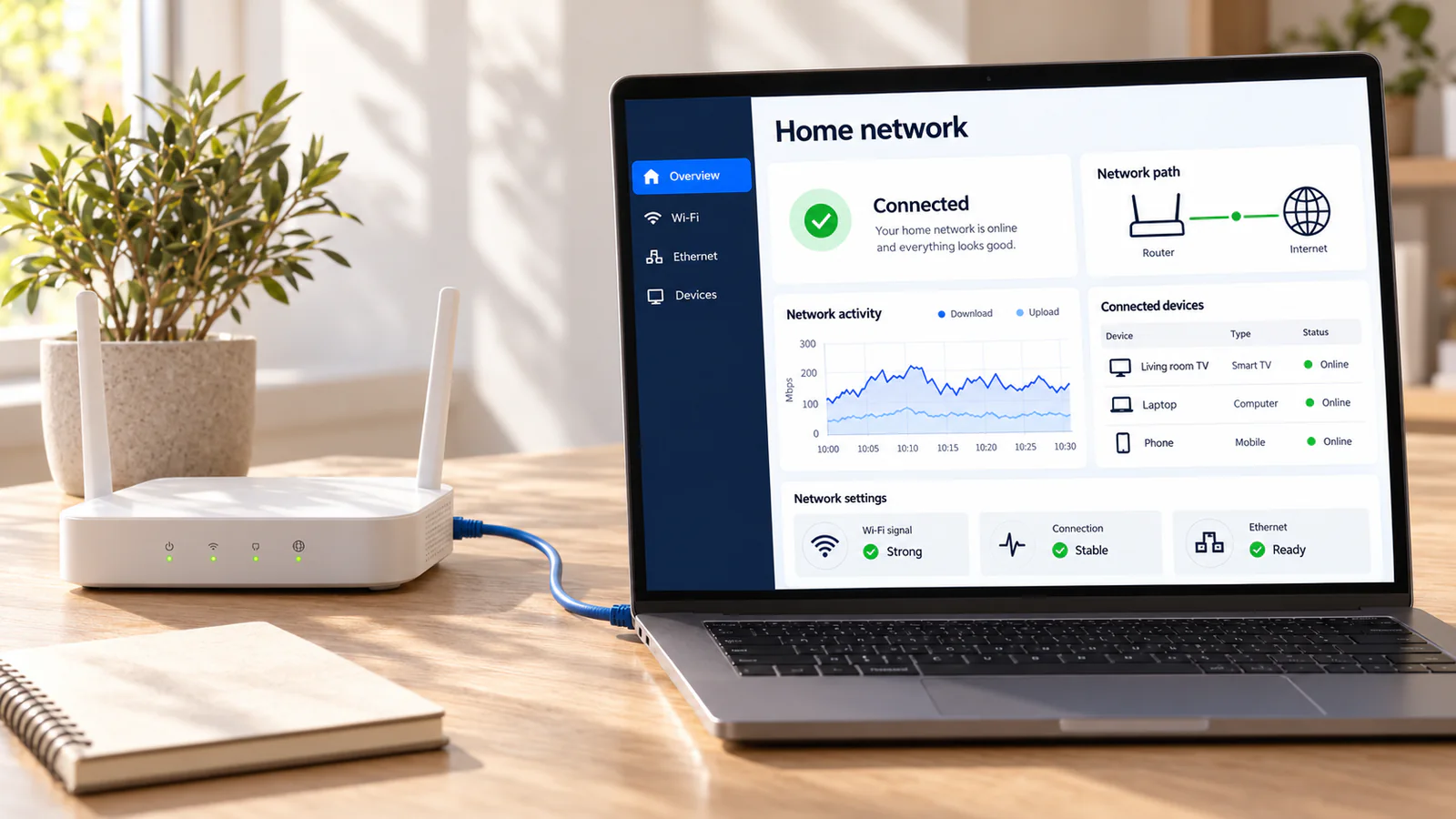
The rented router
Provider gateways often sit in a corner far from the TV. A cable, a mesh system or simply moving the router helps more than a faster plan.
-
Satellite and rural connections
Some satellite internet services have higher latency or strict data limits that live streams find hard. Ask us for a trial before committing.
Devices in American homes
Which of your devices will work
| Device | Status | Our advice |
|---|---|---|
| Fire TV Stick or Fire TV Cube | Works | A great-value choice for any TV with HDMI |
| Google TV and Android TV | Works | Widest choice of player apps |
| Apple TV 4K | Works | Excellent, especially on Ethernet |
| Samsung and LG Smart TVs | Works | Most recent models can install a player |
| Vizio SmartCast TVs | With a stick | SmartCast offers few third-party apps; add a streaming stick |
| Roku and Roku TVs | Not recommended | Add a Fire TV Stick or Google TV device to the same TV |
Brand names describe compatibility only. kemo iptv is not affiliated with these manufacturers.
Questions from US viewers
Prices are listed in USD, starting at $17 for one month, and you pay once for the period you choose.
It works with any provider. What matters is a steady speed in the evening and enough room in your data allowance, not the brand on the bill.
Plug a Fire TV Stick or Google TV device into a spare HDMI port on the same TV. You switch inputs once and keep your Roku for everything else.
Message us on WhatsApp at any time. Conversations stay open and are answered in the order they arrive.
Try it in your own living room
Ask for a free trial and test it on your TV and connection, at the time you usually watch.