
Fire TV Stick
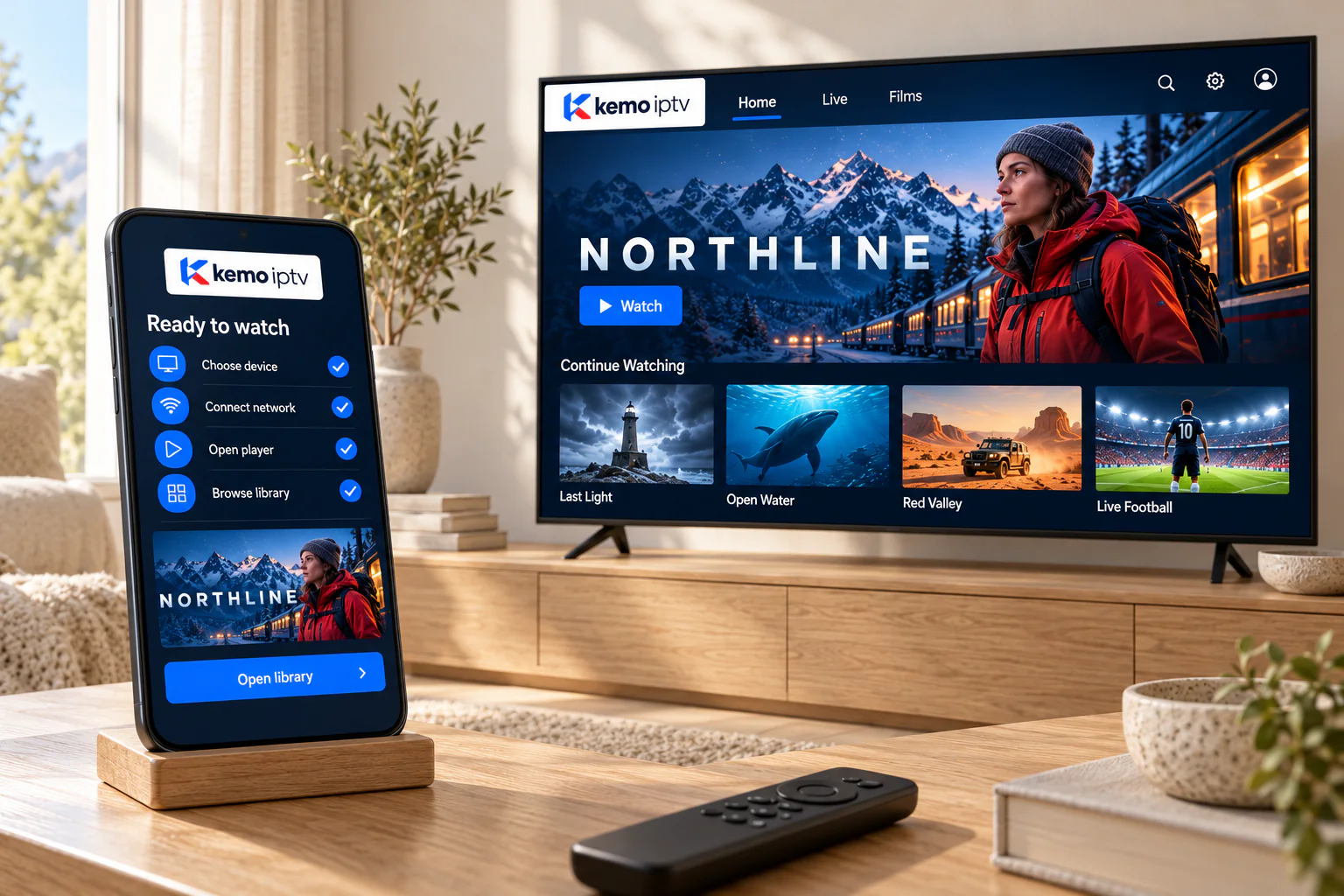
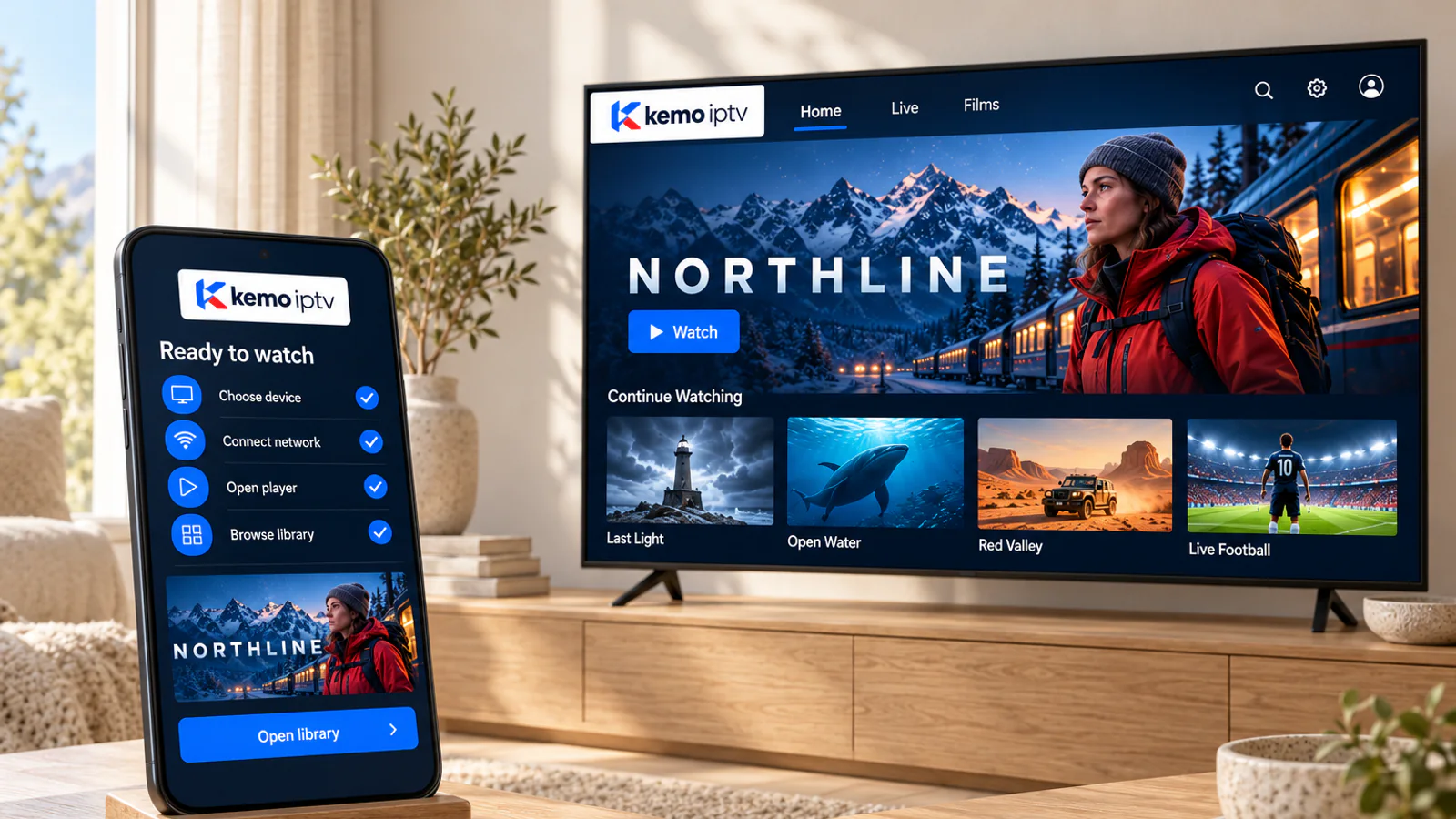
kemo iptv on a Fire TV Stick
A Fire TV Stick turns almost any TV with an HDMI port into an IPTV-ready screen. Here is which model to choose, how to install a player from the Amazon Appstore, and how to keep it fast.
Choosing a model
Which Fire TV device suits your TV
| Your TV | Good choice | Why |
|---|---|---|
| HD (1080p) TV | Fire TV Stick or Fire TV Stick Lite | Everything you need for HD channels at the lowest cost |
| 4K TV | Fire TV Stick 4K or 4K Max | Faster menus, 4K and HDR support, newer Wi-Fi |
| TV far from the router | Any model plus an Ethernet adapter, or a Fire TV Cube | A cable connection removes most buffering |
Model names are trademarks of Amazon and are used only to describe compatibility. kemo iptv is not affiliated with Amazon.
-
Open Find, then Search
From the Fire TV home screen, use the search tile or say the app name to the voice remote.
-
Get the recommended player
Select Get or Download and wait for it to install.
-
Sign in
Type your login. The Fire TV app on your phone works as a keyboard.
-
Add it to your favorites row
Press Home, highlight the app, press the menu button and choose to move it to the front.
Keep it fast
Five habits for a happy Fire TV Stick
-
Watch the storage
Sticks have limited storage. Uninstall apps you do not use and clear the player cache in Settings, Applications, Manage installed applications.
-
Restart it weekly
Settings, My Fire TV, Restart. It clears memory and keeps menus quick.
-
Add an Ethernet adapter
A small adapter plugs into the stick's power port and gives you a wired connection.
-
Use the power adapter in the box
Powering the stick from the TV's USB port can cause freezes and restarts.
-
Stick to the Appstore
Avoid installing apps from unknown websites. If a player is missing, ask us for a safe alternative.
Fire TV fixes
Fire TV problems, solved
-
If this happens
"Storage almost full" warning
Try this first
Uninstall unused apps and clear caches. Large channel lists need free space to update.
-
If this happens
Menus are slow or lagging
Try this first
Restart the stick, close background apps and make sure it uses its own power adapter.
-
If this happens
Wi-Fi keeps disconnecting
Try this first
Move the router closer or use the HDMI extender that came in the box to lift the stick away from the TV.
Fire TV questions
Yes, to set up a Fire TV device and use the Appstore. We never need its password.
Yes, if the TV has an HDMI port. That is one of the cheapest ways to modernize an older set.
Voice works for Fire TV menus and searching the Appstore. Inside the player app, voice control depends on the app.
Not when you install from the Appstore, which is what we recommend. Leaving that setting off keeps your stick safer.
Your Fire TV Stick is ready for more
Choose a plan, or ask for a trial and test it tonight.