
On demand
Films and series whenever you are ready
Alongside live channels, every kemo iptv plan includes an on-demand library of films, series and documentaries. Here is how it works inside your player, and how to make it family-friendly.

The library
Three shelves to explore
Titles rotate over time, and the categories you see depend on your player app.
-

Films
Browse by genre, release year or title, from recent releases to classics.
-

Series
Organized by season and episode, so binge-watching is a click away.
-

Documentaries
Nature, history, science and true stories for curious evenings.
Artwork is original and illustrative. If a particular title matters to you, ask us before you order.
How it works
On demand inside your player
Your player app shows the library in its own section, usually called Movies or VOD, and Series. Features vary between apps, so here is what to expect and what to check.
- Search by title is the fastest way in; browsing by category is great for discovery.
- Resume playback is supported by many players, so you can stop and pick up later.
- Subtitles and audio tracks depend on the title; look for the options button while it plays.
- Favorites and watch lists keep your next series one click from the home screen.
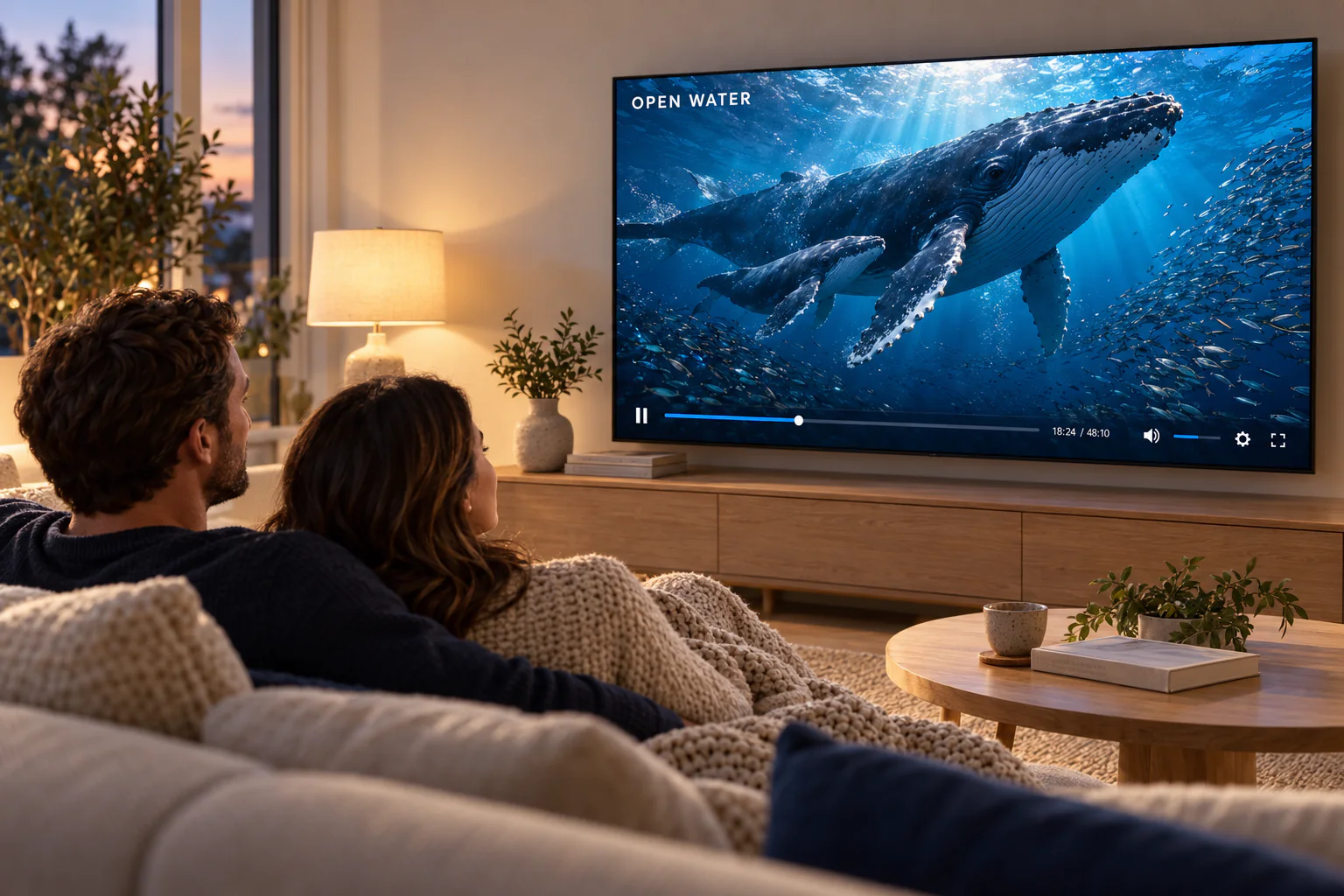
Family viewing
Make the library family-friendly
-
Set a parental PIN
Most players can lock categories or channels behind a PIN. Set one before the kids explore.
-
Hide what you do not need
Hiding categories makes the library simpler for everyone, not just children.
-
Keep a kids' favorites list
A short list of approved channels and titles is easier than policing the whole guide.
On-demand questions
Yes. Every plan includes live channels and the on-demand library; plans differ only by length.
The library changes over time as titles are added and removed. Refresh your playlist regularly so new additions appear.
kemo iptv is a streaming service, so titles play while you are connected. Downloading is not part of the service.
Subtitle tracks depend on each title. Check the player's subtitle menu while it plays; if none are listed, that version has none.
Your next series is waiting
Choose a plan length, or try it first with a free trial.