
Android
kemo iptv on Android TV, boxes, phones and tablets
Android has the widest choice of IPTV players of any platform. Whether you use a Google TV, an Android TV box or a phone, setup takes a few minutes from Google Play.
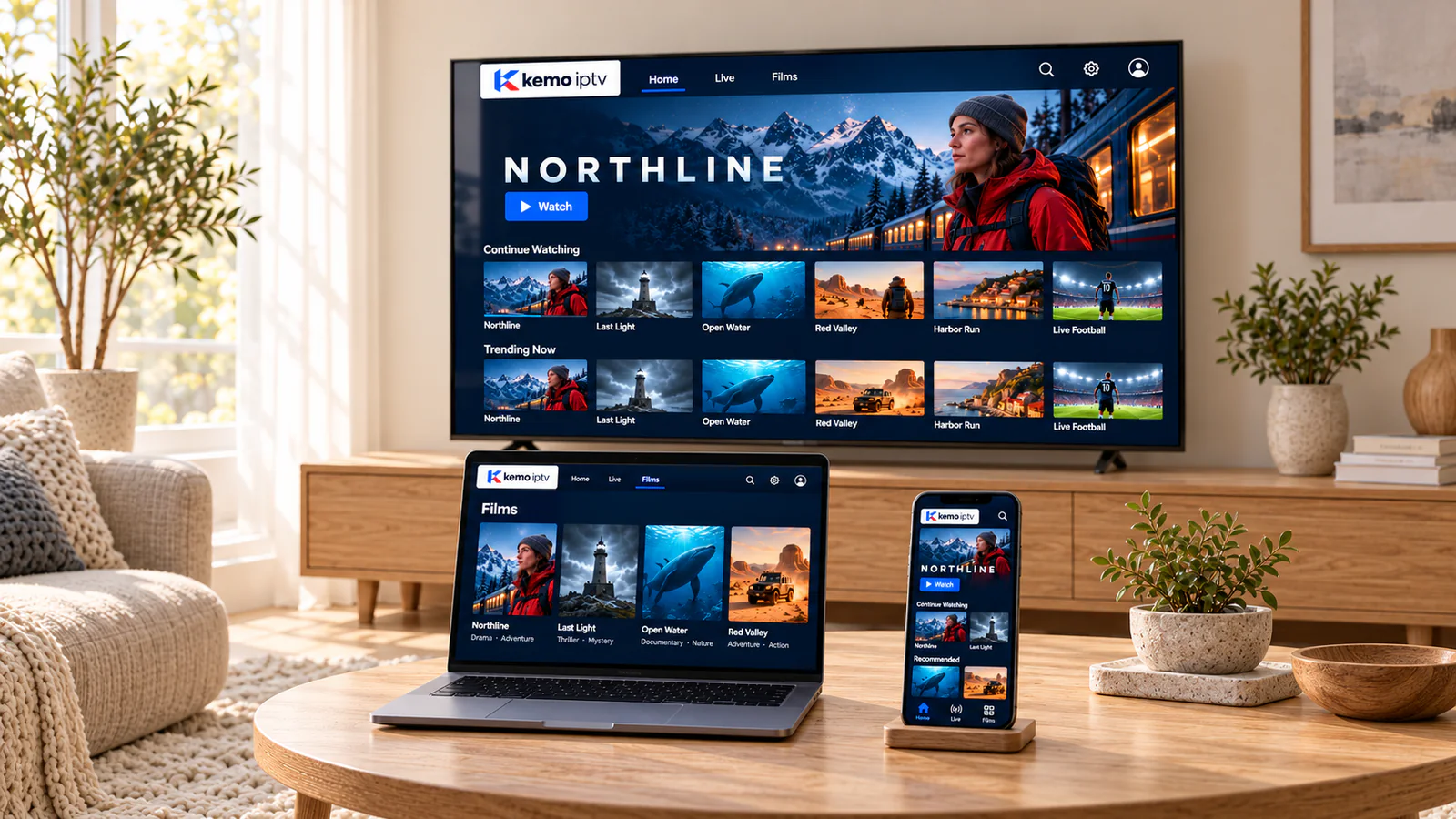
Which Android?
Three kinds of Android device
-
Google TV and Android TV
Built into many TVs and small streaming devices. Designed for the remote, with Google Play built in. The best all-round choice.
-
Android TV boxes
Choose a certified box from a known brand. Uncertified boxes often lack Google Play, updates and security fixes.
-
Phones and tablets
Perfect for the kitchen or a second room. Use Wi-Fi to protect your mobile data allowance.
Setup
From Google Play to your first channel
-
Open Google Play
On a TV it is under Apps; on a phone, it is the Play Store icon.
-
Install the recommended player
Search for the player we suggested and install it.
-
Choose the login type
Pick the option that matches our message, then paste or type your details.
-
Load and personalize
Let the channels and guide load, then set favorites and parental PINs.
Keep it running smoothly
Android tips that prevent most problems
-
Install only from Google Play
Apps from unknown websites can carry malware. If a player is not on Google Play for your device, ask us for an alternative.
-
Clear the cache now and then
Settings, Apps, your player, Storage, Clear cache. It fixes many slowdowns without losing your login.
-
Leave free storage
Keep at least a couple of gigabytes free so the guide and channel list can update.
-
Prefer 5 GHz Wi-Fi or a cable
Many boxes have an Ethernet port. Use it if the router is nearby.
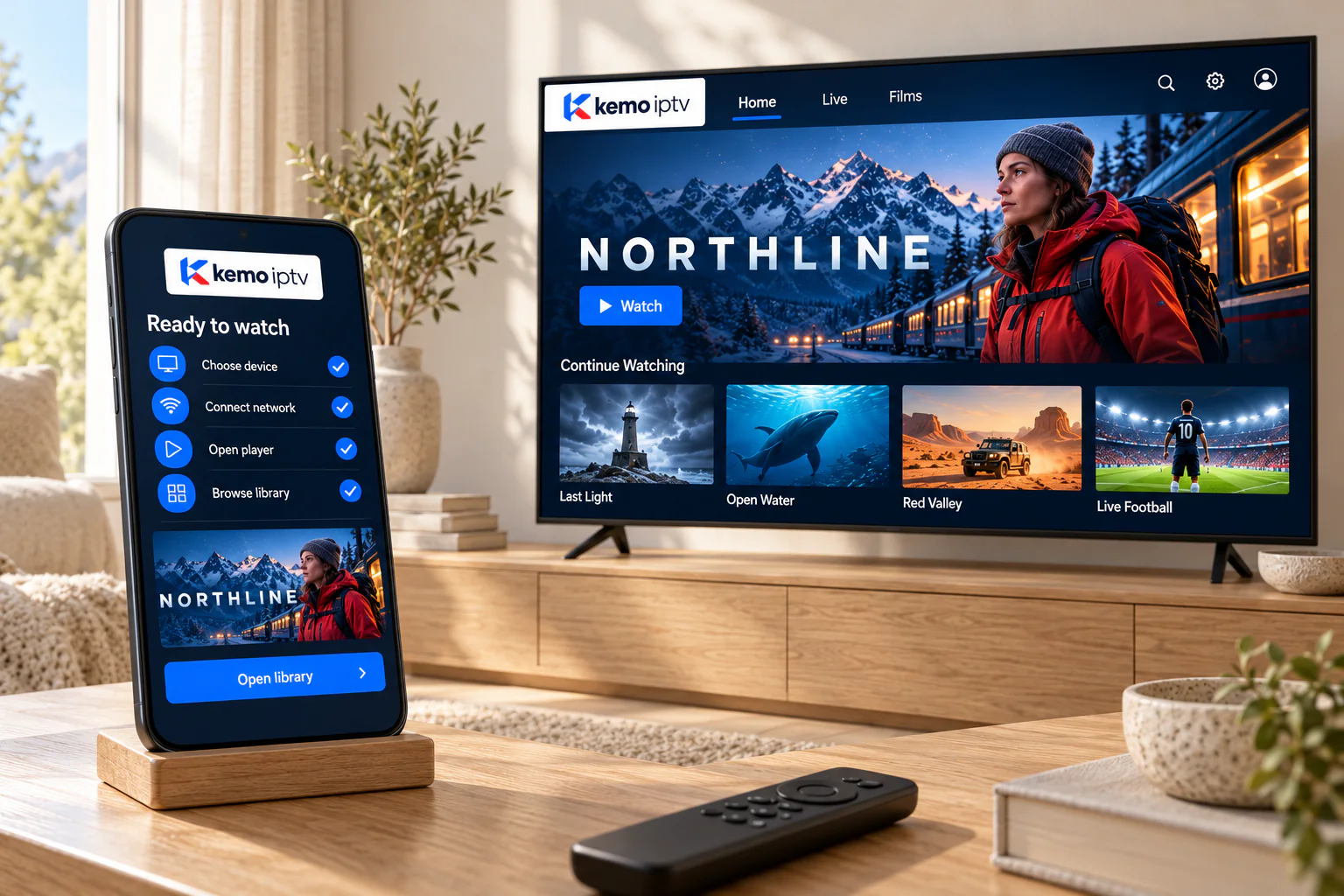
Android fixes
Common Android hiccups
-
If this happens
"App keeps stopping"
Try this first
Clear the app cache, restart the device and update the app. If it continues, uninstall and reinstall it from Google Play.
-
If this happens
Buffering on a TV box
Try this first
Connect the box by cable, close background apps and restart the router. Older boxes may struggle with 4K; choose HD.
-
If this happens
Phone data running out
Try this first
Watch on Wi-Fi where possible, or choose a lower quality in the player when you are out.
Android questions
A certified Google TV or Android TV device from a known brand. Avoid boxes sold as "fully loaded"; they are often uncertified and unsafe.
Yes, to install apps from Google Play. You never need to share that account or its password with us.
Some players support casting, but installing the player on the TV device itself gives a steadier picture.
Usually, if it can install current apps from Google Play. Very old versions of Android may not support modern players.
Ready on Android in minutes
Choose a plan or ask for a trial; we send the steps for your exact device.